
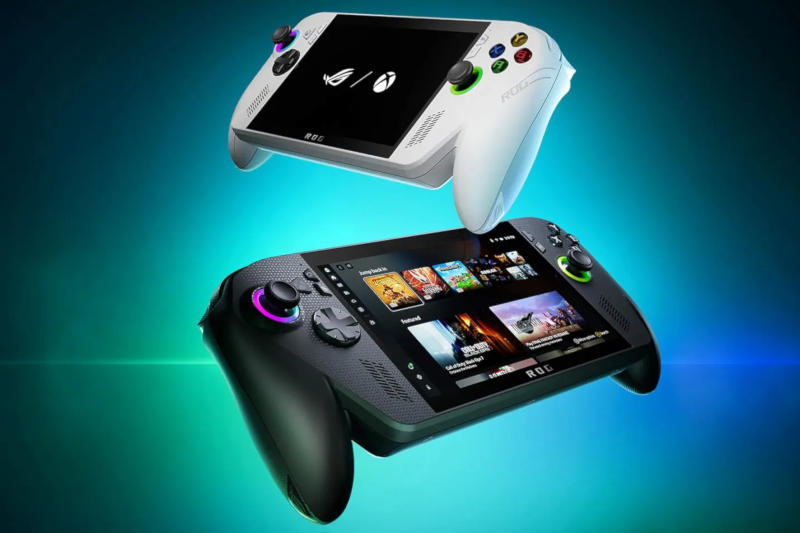
Microsoft has begun testing the universal upscaler Auto SR for Windows 11, but it is currently only available on Xbox Ally X
Microsoft launches Auto SR tests on the portable Xbox Ally X console
Microsoft has begun testing its new upscaler *Auto SR* on the Xbox Ally X model that operates in docked mode. The feature first appeared almost two years ago in the Copilot Plus ecosystem for PC and requires an integrated neural engine (NPU) in the central processor.
Why Auto SR is needed
Auto SR improves image quality and frame rate, especially when the console outputs a game to a large TV screen. In docked mode quality degradation becomes more noticeable, and maintaining stable 60 fps can be problematic – this is where Auto SR shows its benefit.
The working formula is similar to Nvidia DLSS: the game renders at a lower resolution, then frames are scaled up to the desired level. Although DLSS and FSR/XeSS are not supported in all games, Auto SR is built into Windows and can be applied to any DirectX 10+ application.
What has already been tested
Microsoft demonstrated improvements in *Forza Horizon 5*: frame rate increased and texture detail improved. The neural engine of the Ally X AMD processor provides the necessary compute power.
Auto SR is integrated into the console’s Game Bar, where players can toggle the upscaler on or off during gameplay. It is especially useful where 60 fps are unattainable – then Auto SR smooths the gaming experience.
How to access it
Owners of Xbox Ally X can participate in the *Xbox Insider* testing program by registering through the official website. After activation they will be able to enable Auto SR in any supported game.
Additional dock improvements
* Automatic disabling of the console’s display when connected to a TV.
* Support for variable refresh rate (VRR) on ROG Bulwark, making gameplay smoother.
* New widgets in Game Bar allow changing resolution and refresh rate without leaving the game.
* Built‑in controls disable when connected to a TV; a virtual mouse *Gamepad Cursor* is added for applications without a controller.
* Vibration has been enhanced so haptic feedback is more noticeable.
Future plans
Microsoft continues work on unifying the library of games from different PC stores on Xbox Ally devices. In the coming months, features for adding, removing, and editing collections directly on the console are planned.
Thus, Auto SR and updated docks make the portable Xbox Ally X more flexible and powerful both for playing on a small screen and when connected to a TV.
 Asted Cloud
Comments (0)
Share your thoughts — please be polite and stay on topic.
Log in to comment