
Asted Cloud — Website Builder for Your Business
Asted Cloud is an online website builder that gives your business more than just a page — it's a working tool: a beautiful website, ready-made copy and design for your niche, and all customer inquiries in one place. Pick a template, swap in your own text and photos — and your website is already working for you.
How it works — just 3 steps
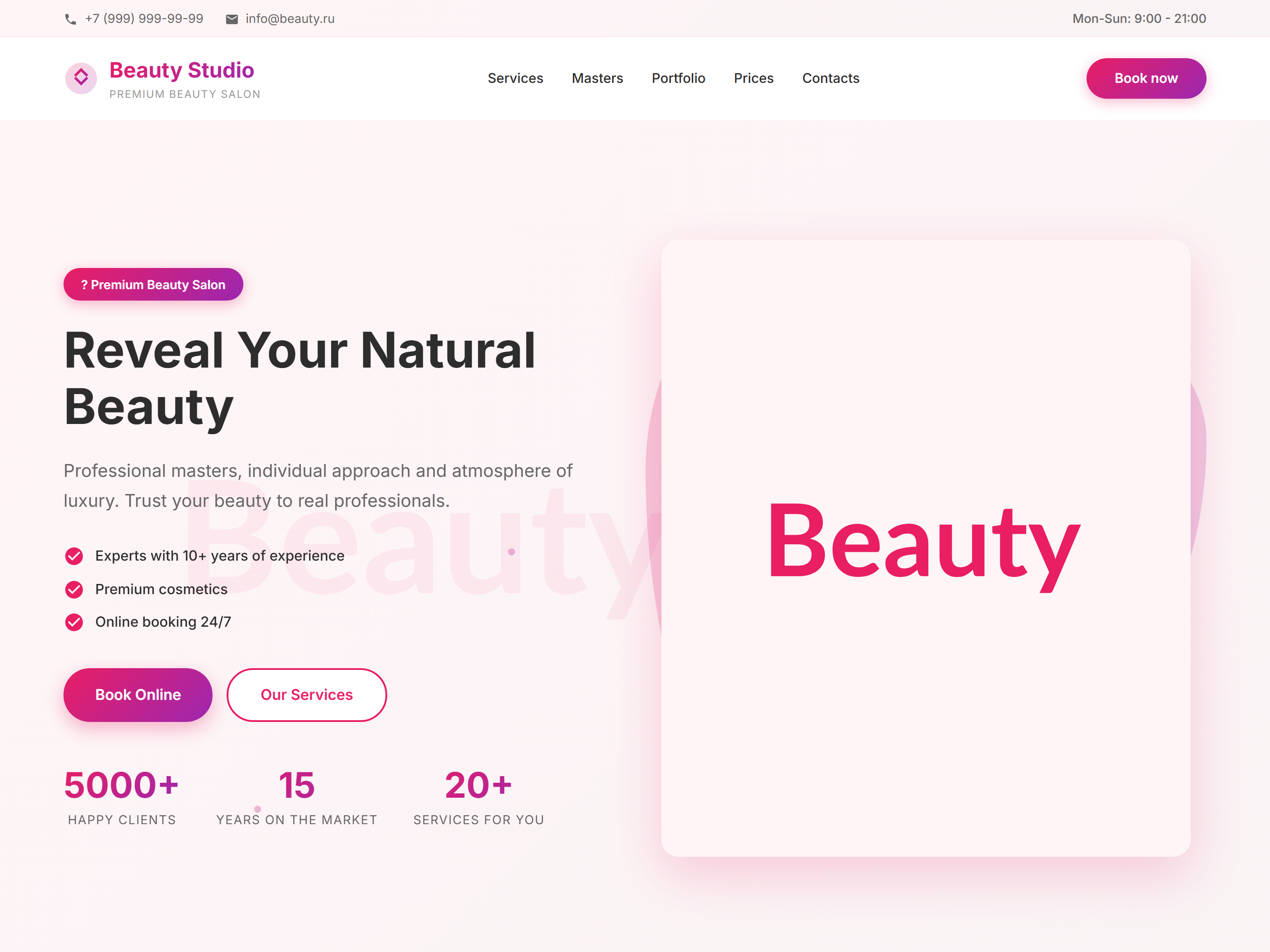
Step 1: pick a ready-made design for your business — beauty salon, clinic, café, auto shop, construction, rentals, portfolio, and dozens of other niches. Step 2: replace the text, photos, and contacts with your own — right on the page, like in a regular text editor. Step 3: click "Save" — your site is published instantly and ready to bring in customers.
Everything your business needs to grow, in one place
A page builder with ready-made blocks: header, banner, services and pricing, project gallery, reviews, team, contacts, and an inquiry form. Over 20 polished designs for different niches — pick the one closest to your business and adapt it. A dashboard for customer inquiries — calls and form submissions appear instantly, nothing gets lost in email or messengers. Basic SEO settings so your site gets found in search. Multi-language support — handy if your customers come from different countries.
Get started right now
Log in to your Asted Cloud account, open your project from the dashboard, and click "Open" or "Edit". Your website opens with a control panel at the top — this is where you pick a template, add blocks, and change the content. No complicated settings: everything is visible right away and changes in a couple of clicks.
Working Checklist
More Documentation
Move between builder, SEO, CRM, tenants, and launch topics.
 Asted Cloud