
How to Add and Edit Sections on Your Website
Each page of your website consists of "blocks" — ready-made, beautiful sections. Think of it like building blocks: take the pieces you need (header, banner, gallery, contacts) and assemble your page. No writing or coding needed!
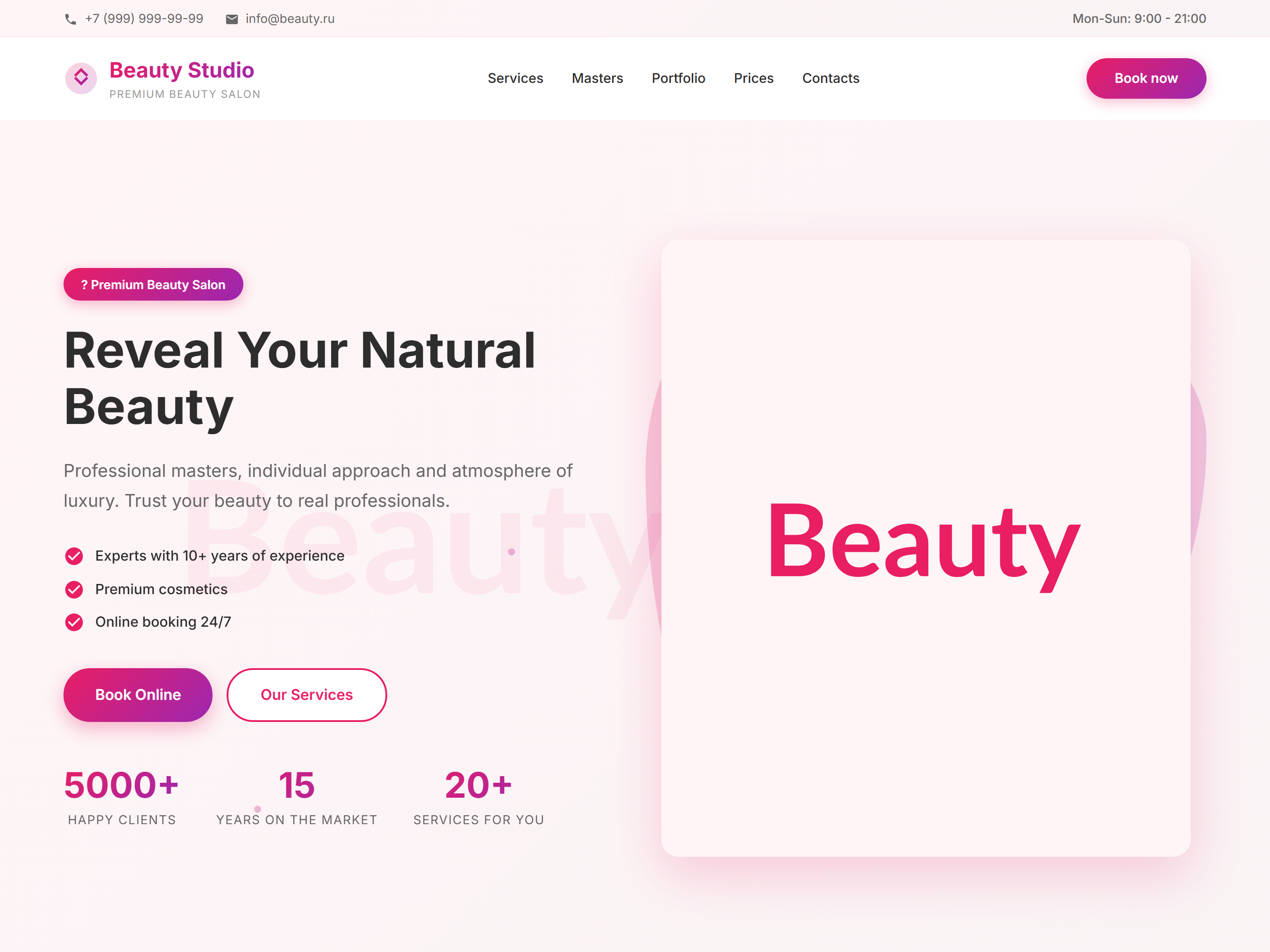
How to add a section to a page
1. Open your site — a top control panel appears. 2. Click "Blocks". 3. In the window that opens, choose a category (e.g., "Reviews" or "Gallery"). 4. Click on a design you like. 5. The block appears on your page — you can edit the texts right away.
How to reorder sections
Hold and drag any section up or down. When you release it, the block settles into its new position. After rearranging, always click "Save" at the top.
How to delete a section
Hover over the block you want to remove. A panel with buttons appears. Click the trash icon or "Delete". Confirm the removal. Remember to click "Save".
Working Checklist
More Documentation
Move between builder, SEO, CRM, tenants, and launch topics.
 Asted Cloud