
Ready Templates — a Beautiful Website in Minutes
We have prepared over 20 ready-made designs for different business types. Pick the right template and you instantly have a beautiful, complete website. All that remains is replacing the texts and photos with yours.
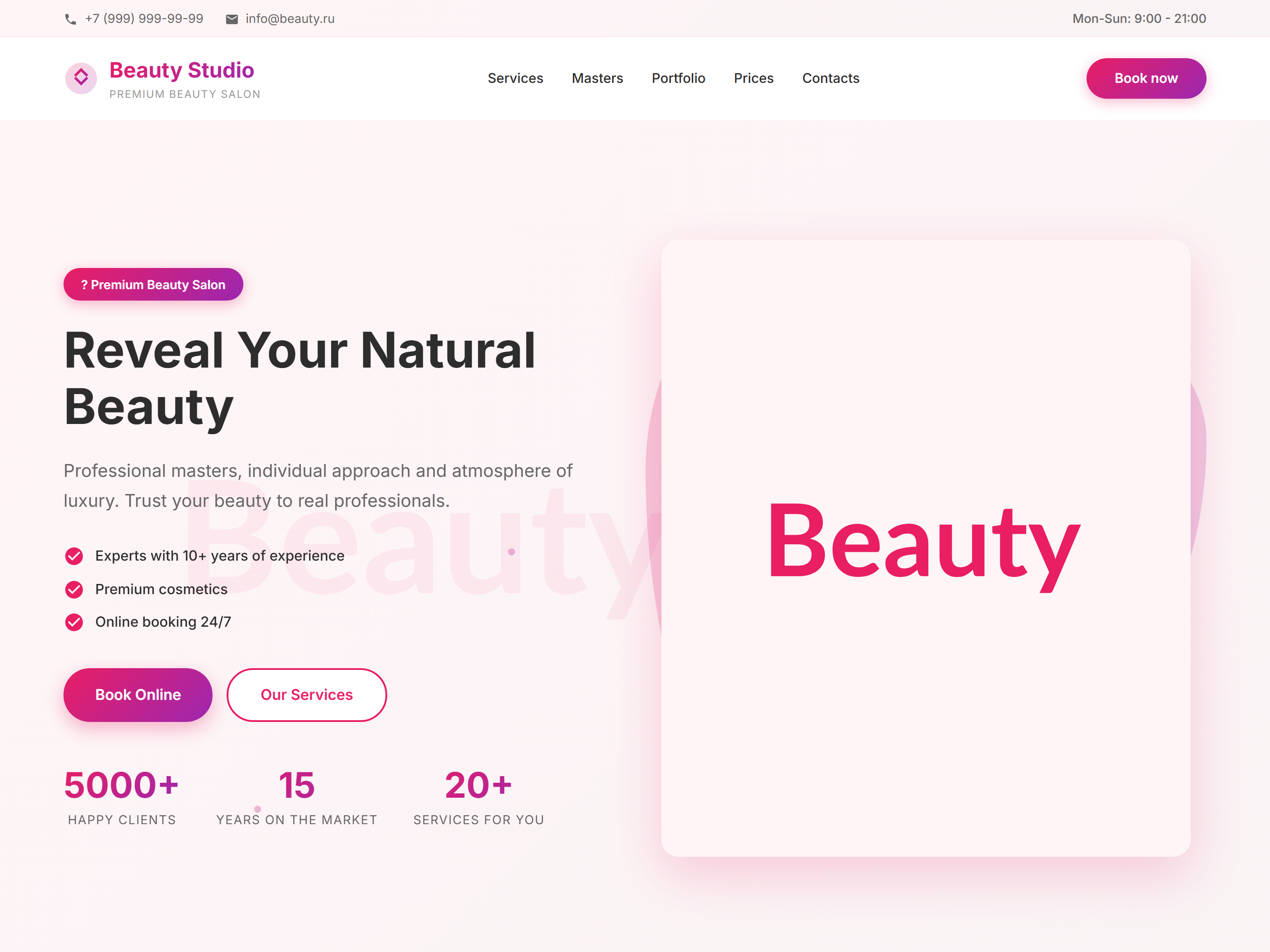
How to apply a template
1. Click "Templates" in the top panel. 2. Browse the catalog — templates are grouped by business category. 3. Click on a template to see a preview. 4. Click "Apply Template". 5. The page updates with the new design — start editing.
What to do after applying a template
The template gives you the structure and design — now replace everything with your own data: company name, phone, address, photos, service descriptions, and prices. Don't forget to update the "Contacts" section too.
Available templates
Beauty salon, manicure studio, medical clinic, veterinary clinic, car rental, cottage rental, construction company, heavy equipment rental, corporate business, SaaS landing, portfolio, game studio, freelancer, and more.
Templates catalog
20+ ready designs for your business
Browse all templates with previews, descriptions, and block lists — each on a dedicated page.
Working Checklist
More Documentation
Move between builder, SEO, CRM, tenants, and launch topics.
 Asted Cloud