
Your Website in Multiple Languages
Asted Cloud supports 21 languages. If your business works with customers from different countries, your site can automatically appear in their language. All templates are available in multiple languages with the right texts and designs.
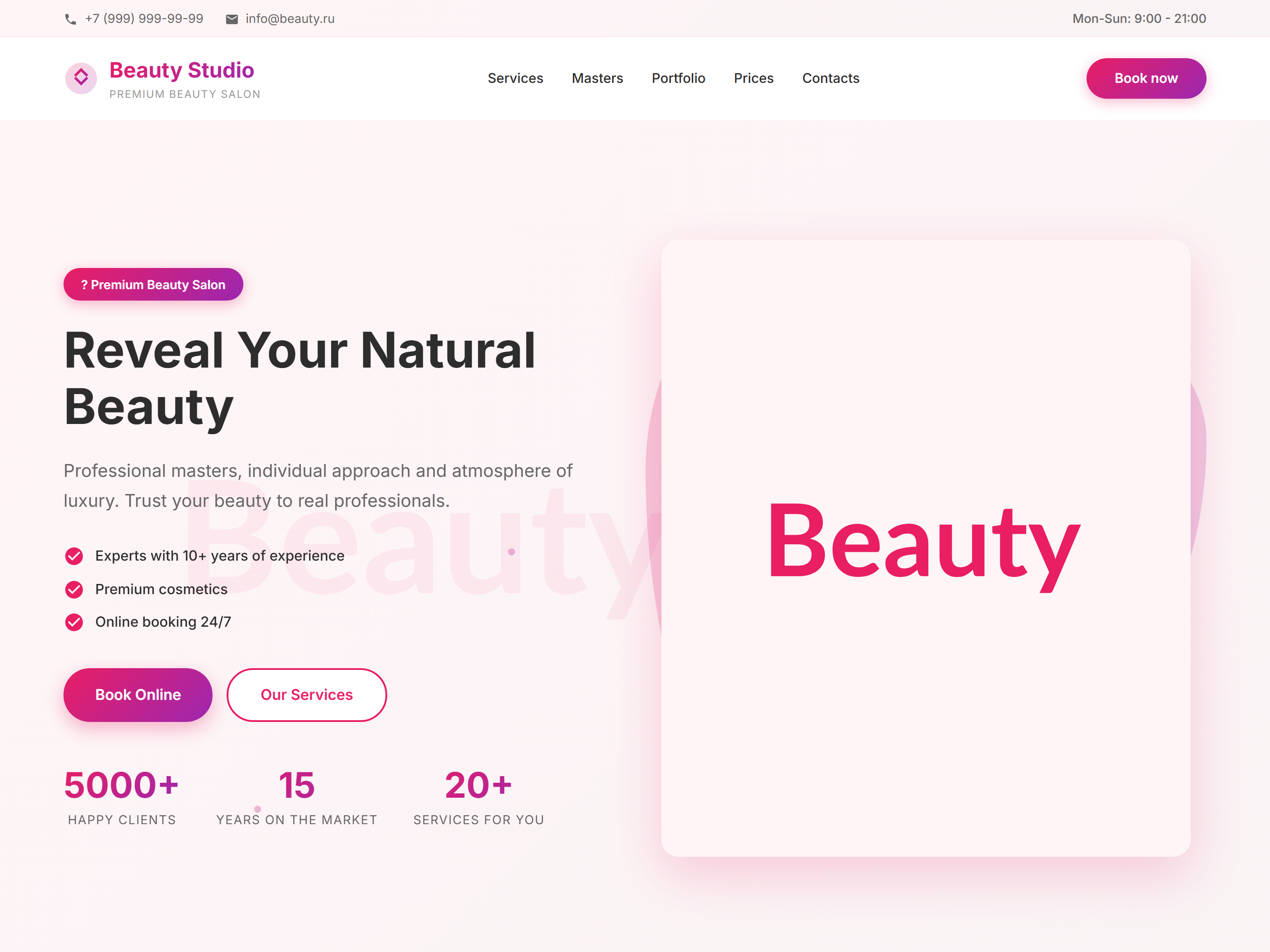
How to choose your site language
When creating or setting up a project, specify the main language of your site. All templates and blocks are automatically matched to the chosen language — texts will already be in the right language, just replace them with your data.
If your site is in a foreign language
If you have chosen English or another foreign language — make sure all texts on the page are in that language. Do not leave texts in another language on your site.
SEO in different languages
For each language version of your site, fill in SEO separately. The page title and description must be written in the same language as the site itself.
Working Checklist
More Documentation
Move between builder, SEO, CRM, tenants, and launch topics.
 Asted Cloud